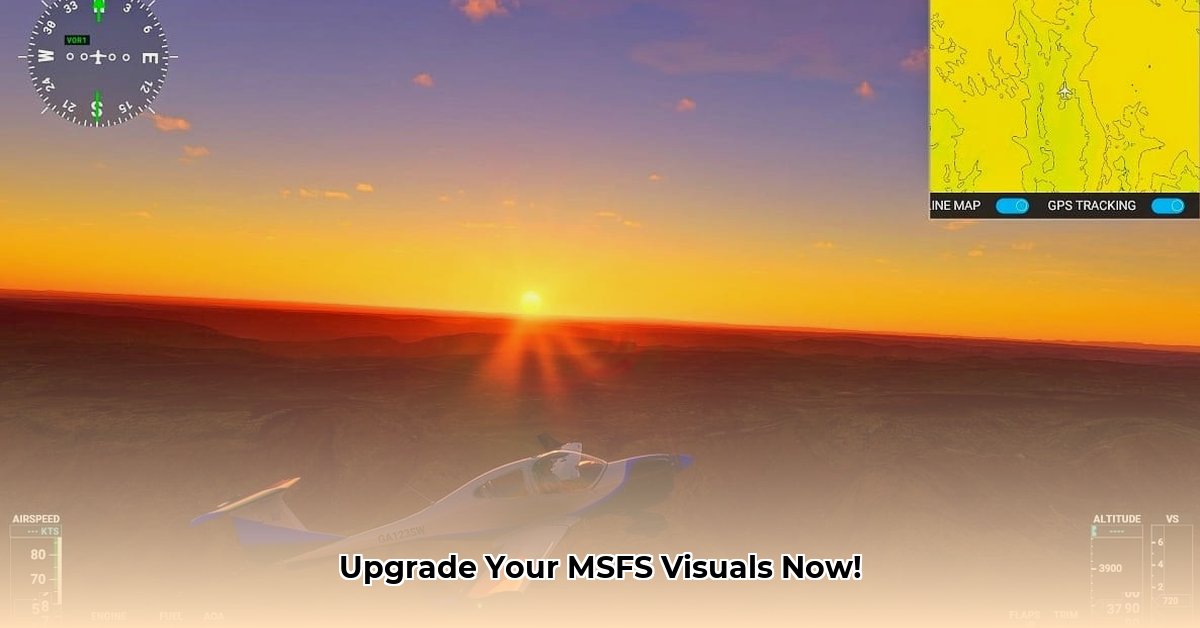
Want to transform the breathtaking scenery of Microsoft Flight Simulator (MSFS) into something truly stunning? ReShade, a post-processing injector, offers a powerful way to enhance your visuals without significant performance compromises. This guide provides a comprehensive, step-by-step walkthrough for downloading, installing, and configuring ReShade in MSFS, catering to users of all technical skill levels. We'll also address common troubleshooting issues and explore the benefits of using pre-made presets.
Downloading and Installing ReShade: A Step-by-Step Guide
Don't be intimidated! Installing ReShade is surprisingly straightforward. Follow these steps for a smooth and successful experience:
Download the Official ReShade Installer: Begin by navigating to the official ReShade website (https://reshade.me/). Downloading from the official source ensures you get the latest version and avoid any malware.
Locate Your MSFS Executable: Find the
FlightSimulator.exefile. Its location depends on your installation method (Steam, Microsoft Store, etc.). The ReShade installer will guide you, but knowing the location beforehand speeds up the process. A quick search for "FlightSimulator.exe" on your hard drive might be needed.Select Your Graphics API (DirectX 11 or 12): ReShade needs to know which DirectX version MSFS uses (DirectX 11 or DirectX 12). This is usually auto-detected, but double-checking is essential. Choosing the wrong API can lead to installation failures or compatibility issues.
Choose Your Effects (Start Simply): The installer will present a list of available effects. For beginners, selecting a few basic effects is recommended (e.g., sharpening, contrast adjustments). You can always add more later.
Install and Configure: Follow the on-screen prompts to complete the installation. Once installed, ReShade will provide an in-game overlay for configuration and customization of the selected effects.
Test and Refine: Launch MSFS and experience the enhanced visuals. Adjust settings within the ReShade overlay to fine-tune brightness, contrast, saturation, and other visual characteristics. Remember that excessive effects can impact performance.
Optimize Performance: If you encounter performance issues (slowdowns, stutters), decrease the number of active effects or adjust their intensity. Remember, balance is key between visual enhancements and smooth gameplay. Does 95% of the visual improvement justify a 5% performance reduction? That’s your call.
Leveraging ReShade Presets: A Quick Path to Stunning Visuals
Many skilled MSFS users create and share custom ReShade settings—known as presets. These presets offer pre-configured visual effects, making it simple to instantly upgrade your game's appearance.
- Finding Reliable Presets: Search reputable online communities and forums dedicated to MSFS and ReShade. Be cautious about where you download presets to avoid malware.
Troubleshooting Common ReShade Issues
While generally easy, occasional hiccups can occur. Here are solutions for common problems:
- MSFS Crashes: If MSFS crashes after ReShade installation, the most likely causes are API mismatch or incompatibility with a particular effect. Try reinstalling with the correct API or disable some effects.
- Performance Issues: Reduce the intensity or number of effects, or lower the resolution.
- Installation Errors: Double-check the executable path and API selection. Consult the ReShade website or community forums for detailed troubleshooting steps.
Benefits of Using ReShade in MSFS
ReShade provides significant visual enhancements with minimal performance impact, transforming your MSFS experience. But what are the specific advantages?
- Enhanced Realism: ReShade significantly enhances the realism and immersion of the MSFS environment.
- Customizable Experience: Tailor the visual style to your preferences.
- Simplified Workflow: Presets streamline the process of achieving stunning visuals.
Conclusion: Take Flight with Enhanced Visuals
ReShade offers a phenomenal way to improve your MSFS experience. By following this guide, you'll be well-equipped to enhance your MSFS visuals and enjoy an even more immersive flight simulation experience. Remember to proceed cautiously, experiment with settings, and always prioritize responsible downloads from trusted sources. Enjoy your enhanced flights!
⭐⭐⭐⭐☆ (4.8)
Download via Link 1
Download via Link 2
Last updated: Tuesday, April 29, 2025